
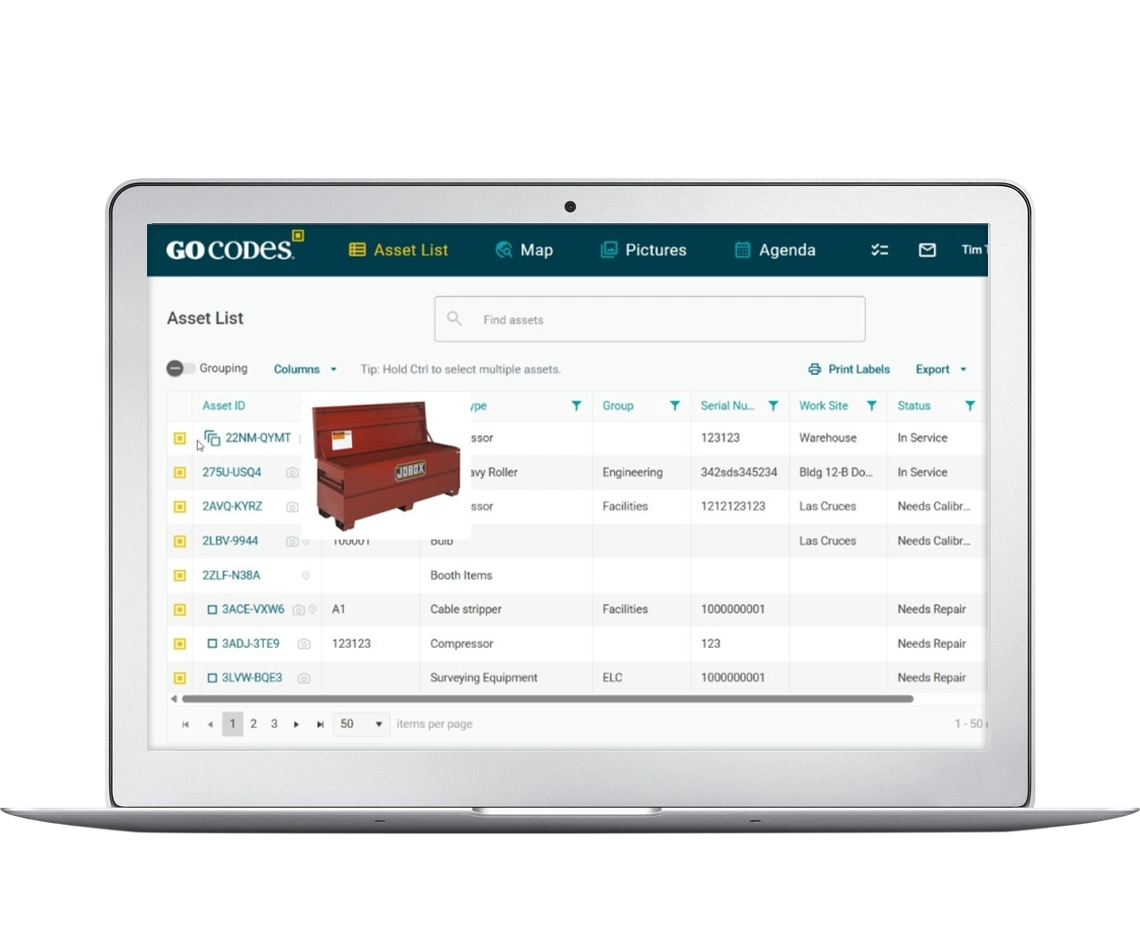
Lifecycle Management Software
Track and Manage Equipment from Acquisition to Disposal
Stop losing tools, reduce lifecycle costs by up to 30%, and gain complete visibility into asset location, condition, maintenance, and financial performance. Start a FREE trial today!
Trusted by 1,000+ businesses for the past 14 years



The Hidden Costs of Poor Lifecycle Management:
Trades and industrial companies lose an average of $10,000 per employee annually on misplaced tools, duplicate purchases, and untracked equipment. Without proper lifecycle management, you’re bleeding money at every stage:
Acquisition
Buying duplicates of tools you already own but can’t find
Utilization
Equipment sitting idle while you rent or buy replacements
Deployment
Delays from searching for equipment, impacting job schedules
Disposal
Retiring assets too early or too late, costing you money
Maintenance
Unexpected breakdowns from missed preventive maintenance
The Result?
Higher total cost of ownership (TCO), operational inefficiency, and frustrated teams.
Complete visibility and control over your assets throughout their entire operational life.
The 5 Stages of Equipment Lifecycle Management

1: Planning & Acquisition
Define needs, evaluate options, and purchase assets strategically
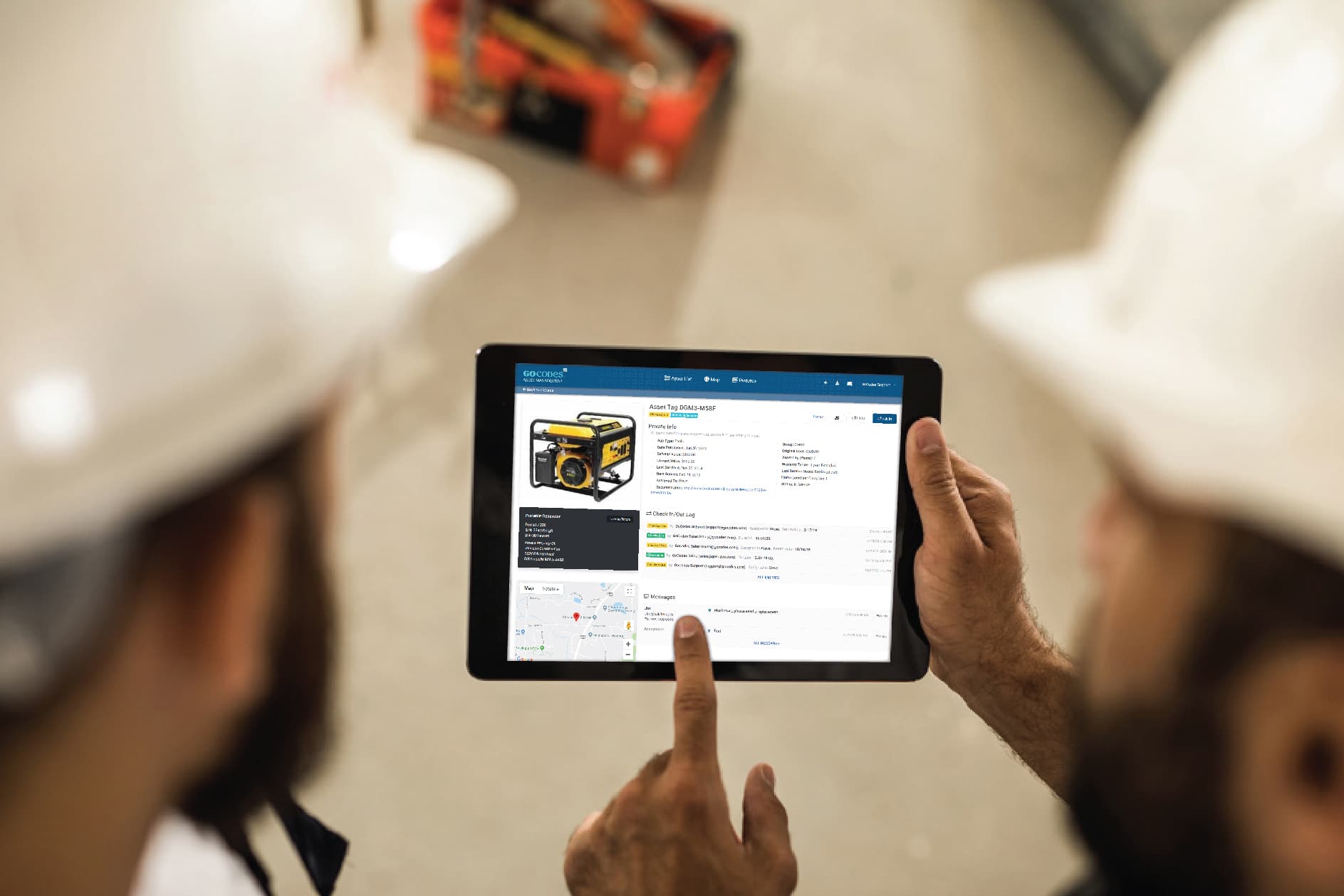
With GoCodes, you can:
- Review existing inventory before purchasing to avoid duplicates.
- Track purchase history, vendors, and pricing to negotiate better deals
- Set up new assets instantly with QR code tags and mobile scanning
- Record warranty information, purchase orders, and acquisition costs
Common Pain Point for Trades: Buying duplicate tools because you can’t find the ones you already own.
GoCodes Solution: Search your inventory in seconds before making new purchases. One construction company saved $15,000 in Year 1 by eliminating duplicate tool purchases.

2: Deployment and Assignment
Put assets into service and assign to projects, crews, or locations
With GoCodes, you can:
- Assign equipment to specific employees, projects, or job sites
- Track who has what equipment and when it was assigned
- Set up check-in/check-out workflows for shared tools
- Receive instant notifications when equipment is transferred
- Generate custody reports for accountability
Common Pain Point: Not knowing who took equipment to which job site, causing delays and finger-pointing.
GoCodes Solution: Scan QR codes with any smartphone to instantly check equipment out to employees or projects. Full audit trail shows exactly who had what, when.

3: Operation and Maintenance
Use assets productively and perform scheduled upkeep
With GoCodes, you can:
- Schedule preventive maintenance based on time, usage, or meter readings
- Set up automatic alerts for upcoming maintenance tasks
- Track maintenance history, costs, and service providers
- Record asset condition with photos and notes
- Manage calibration certificates and compliance documentation
- Monitor asset performance and identify recurring issues
Common Pain Point: Unexpected equipment failures causing project delays and emergency repair costs.
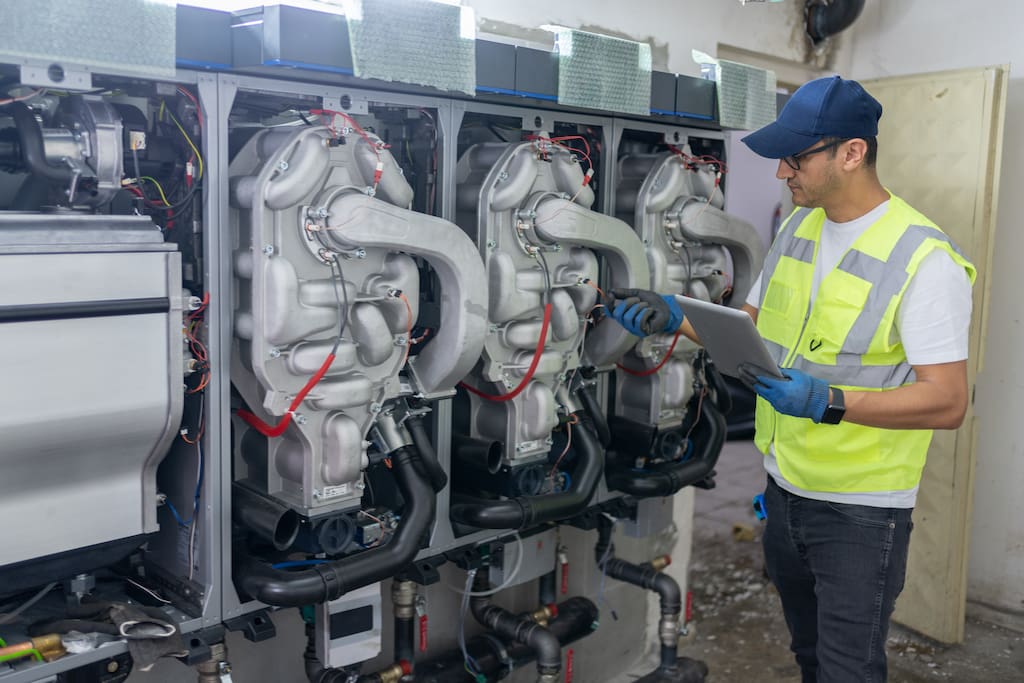
GoCodes Solution: Automated maintenance scheduling keeps equipment in peak condition. HVAC companies using GoCodes report 40% fewer emergency repairs and 25% longer equipment life.

4: Monitoring and Optimization
Track performance, utilization, and costs to maximize asset value
With GoCodes, you can:
- Analyze asset utilization rates to identify underused equipment
- Track total cost of ownership (TCO) for each asset
- Compare performance across similar equipment
- Identify high-maintenance assets that should be retired
- Generate depreciation reports for accounting
- Monitor GPS location for mobile equipment (optional add-on)
- Measure downtime and its impact on operations
Common Pain Point: Equipment sitting idle at one location while you’re renting the same type at another, or keeping high-maintenance assets long past their productive life.
GoCodes Solution: Utilization reports show which assets are being used and which are sitting idle. TCO tracking reveals when repair costs exceed replacement value.
5: Disposal and Replacement
Retire assets at the optimal time and plan strategic replacements
With GoCodes, you can:
- Identify assets ready for retirement based on age, condition, and TCO
- Document disposal method, date, and value for tax records
- Track asset depreciation for accurate financial reporting
- Plan replacement purchases based on lifecycle data
- Archive historical records for audit compliance
- Calculate trade-in or salvage values
Common Pain Point: Retiring equipment too early (wasting remaining value) or too late (incurring excessive repair costs and downtime).
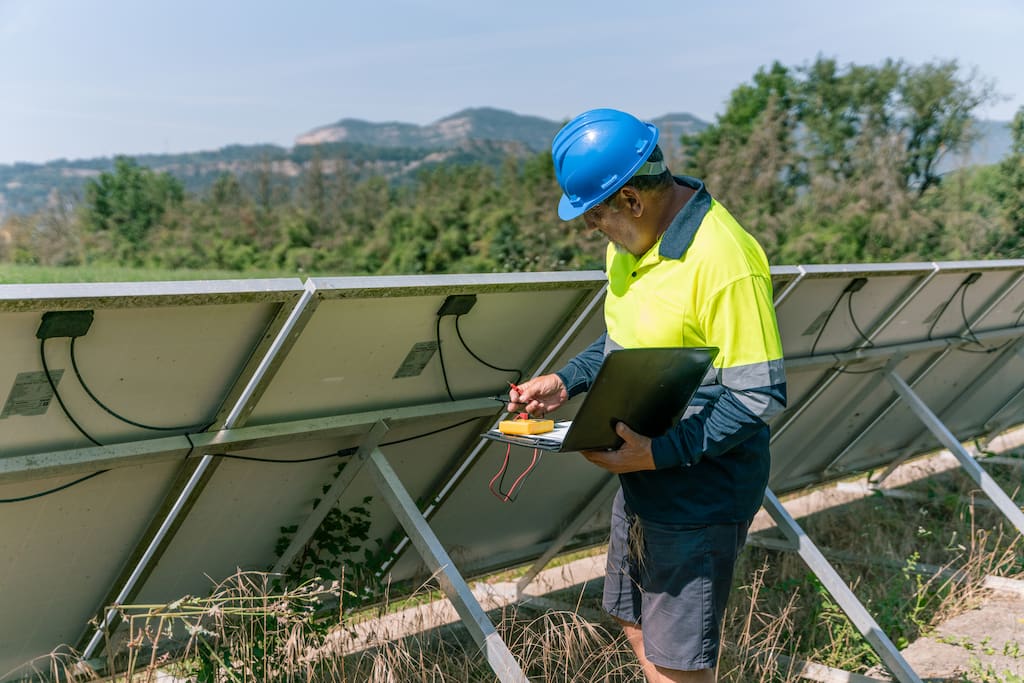
GoCodes Solution: Lifecycle cost analysis shows when repair costs cross the threshold that makes replacement more economical. Electrical contractors using GoCodes report 20% better timing on equipment replacement decisions.
9 Key Features for Complete Lifecycle Management

QR Code Asset Tagging
- Durable, weatherproof QR code labels included with every plan
- Scan with any smartphone, no special equipment needed
- Instant access to complete asset information, history, and status
- Custom labels for tools, equipment, vehicles, and machinery
Real-Time Asset Tracking
- See where every asset is located right now
- Track equipment by project, job site, employee, or warehouse
- Optional GPS tracking for vehicles and mobile equipment
- Geofencing alerts when equipment leaves designated areas
- Location history shows where assets have been

Maintenance Management
- Schedule preventive maintenance by date or usage
- Automated email/SMS reminders for upcoming maintenance
- Track maintenance history with costs, parts, and service providers
- Upload receipts, invoices, and service records
- Compliance tracking for inspections, calibrations, and certifications
- Work order management with assignments and completion tracking

Mobile-First Design
- Scan QR codes and update assets from any smartphone
- Works offline in the field and syncs when connection returns
- Take photos of asset condition or damage
- Check assets in/out without returning to the office
- GPS location automatically recorded with each scan
- No app download required, works in mobile browser
Financial and Depreciation Tracking
- Record purchase price, vendor, and acquisition date
- Calculate depreciation using straight-line or custom methods
- Track total cost of ownership with all maintenance and repair costs
- Generate depreciation reports for tax preparation
- Monitor residual value and replacement timing
- Export financial data to QuickBooks or accounting software
Custom Fields and Data
- Create unlimited custom fields for your specific needs
- Track serial numbers, model numbers, VINs, or any data you need
- Build custom forms for inspections, audits, or condition reports
- Filter and search assets by any field or combination of criteria
- Set up dropdown lists for standardized data entry
- Add asset photos, documents, and manuals
Powerful Reporting and Analytics
- Pre-built reports for inventory, maintenance, utilization, and costs
- Custom report builder for specific business needs
- Scheduled reports delivered automatically via email
- Export reports to Excel, PDF, or CSV
- Dashboard with key metrics and KPIs
- Trend analysis and forecasting
Team Collaboration
- Unlimited user accounts at no extra cost
- Role-based permissions control who can view and edit
- Check-in/check-out workflows with accountability
- Communication history and asset notes
- Task assignments and notifications
- Audit trails showing who did what and when
Integrations and API
- QuickBooks integration for depreciation and accounting
- Google Sheets and Excel import/export
- Zapier integration for workflow automation
- REST API for custom integrations
- Webhook notifications for real-time updates
- Microsoft Power BI connector for advanced analytics
Maximize Asset Value, Reduce Costs, and Eliminate Equipment Loss Throughout Your Asset Lifecycle with GoCodes
Why Trades and Industrial Companies Choose GoCodes
Unlike generic asset tracking software, GoCodes is purpose-built for trades and industrial operations. We understand the unique challenges of managing tools, equipment and vehicles across multiple job sites, projects, and crews.
Industry-specific features:
- Rugged QR code labels that withstand harsh job site conditions
- Mobile-first design for field teams working outside the office
- Offline mode for areas without cell service
- Simple check-in/check-out for tool trailers and shared equipment
- Project-based tracking for job costing and equipment allocation
- Integration with construction and trades management software
Common use cases:
- Electrical contractors tracking wire pullers, conduit benders, and test equipment across projects
- HVAC companies managing service vehicles, tools, and replacement parts inventory
- Plumbing operations tracking pipe threaders, inspection cameras, and specialty tools
- General contractors managing everything from power tools to scaffolding to generators
- Facilities maintenance teams tracking equipment across multiple buildings and campuses
- Manufacturing operations managing tools, dies, fixtures, and production equipment

Why Customers Choose GoCodes.
See Why Our Customers Rate Us!
GoCodes Asset Tracking


Case Studies
At GoCodes, we pride ourselves on facilitating meaningful asset management. But don’t just take our word for it. Learn how we’ve created impact for our satisfied users.
Andrews University
Speech-language pathology and audiology department

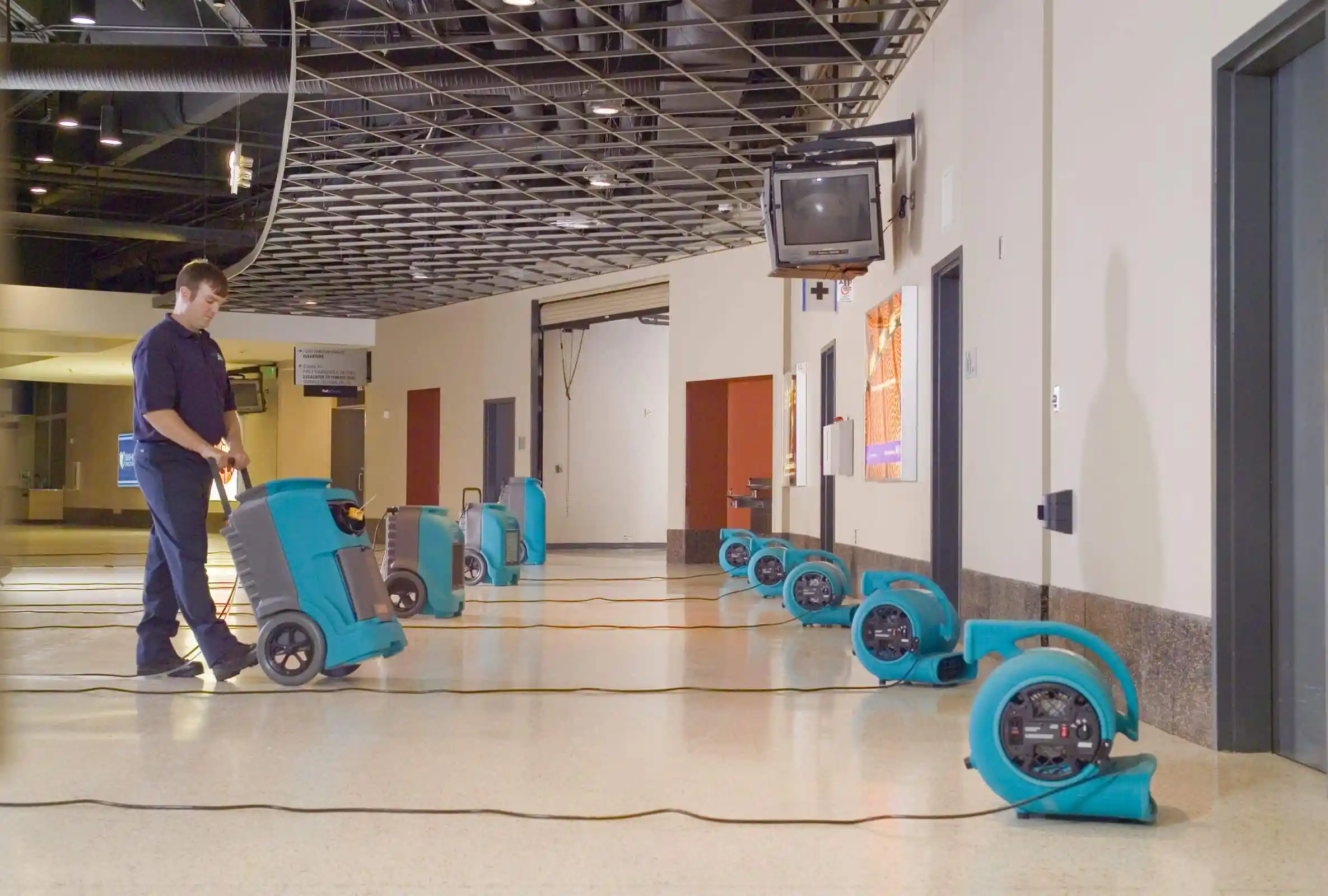
J&M Keystone
Flood and Damage Restoration

We include patented QR code tags that can be customized to your project. They come ready to use with our web software and smartphone scanner apps.
Works on devices you already own
Our FREE scanner apps and tags mean there's no hand-held barcode scanners or printers to purchase – so you’re up-and-running fast.

307 ratings
Apple Mobile App
46 ratings
Android Mobile App

Articles & Insights
Information to give you more tracking power

10 Best Asset Tracking Softwares for 2026
In this guide we evaluate the 10 leading asset tracking platforms across multiple categories, from comprehensive hardware and software solutions to specialized IT asset management tools. So whether you manage a construction fleet, warehouse inventory, or enterprise IT...

The Full Guide to Check-In/Check-Out Software
Want to optimize your check-in and check-out process? Let our guide teach you how software can automate and simplify everything.

How to Find Stolen Construction Equipment
Discover how to find stolen construction equipment using modern tracking tools, best practices, and expert tips to boost recovery chances.

7 Asset Tracking Methods You Need to Know About
Want to improve how you track your assets? This article introduces 7 key asset tracking methods, with pros, cons, and use cases.

Why You Shouldn’t Use AirTags for Commercial Asset Tracking
Thinking about using AirTags to track business assets? This article explains why they’re not a good fit and what alternatives are better.
Frequently Asked Questions
Learn more about features, security, integration capabilities, and more!
What is Lifecycle Management Software?
Lifecycle management software is a digital platform that tracks and manages physical assets throughout their entire operational life, from initial purchase through deployment, maintenance, utilization, and eventual disposal. It provides real-time visibility into asset location, condition, maintenance history, total cost of ownership, and performance metrics.
Unlike basic asset tracking that only monitors location, lifecycle management software combines tracking with financial data, maintenance scheduling, utilization analytics, and end-of-life planning to maximize asset value and reduce costs.
What are the 5 stages of Asset Lifecycle Management?
The five stages are:
- Planning & Acquisition – identifying needs and purchasing assets based on requirements and budget
- Deployment & Assignment – putting assets into service and assigning to users, projects, or locations
- Operation & Maintenance – using assets productively and performing scheduled upkeep to maintain condition
- Monitoring & Optimization – tracking performance, utilization, and costs to maximize value
- Disposal & Replacement – retiring assets at the optimal time and planning strategic replacements
Each stage requires different management activities and data tracking.
What's the difference between asset tracking and lifecycle management?
Asset tracking focuses primarily on location, knowing where assets are at any given time using technologies like QR codes, barcodes, GPS, or RFID. Lifecycle management is comprehensive, encompassing tracking plus maintenance history, financial data (depreciation, TCO, acquisition costs), utilization metrics, condition monitoring, compliance records, and end-of-life planning.
While tracking tells you where an asset is, lifecycle management tells you its complete story: what you paid, what you’re spending to maintain it, how often it’s used, when maintenance is due, what it’s worth now, and when to replace it. Think of tracking as GPS; lifecycle management is GPS plus the complete maintenance log, financial history, and crystal ball for planning.
How does lifecycle management software reduce costs?
Lifecycle management software reduces costs through multiple mechanisms: preventing loss and theft through accountability and tracking, optimizing asset utilization to avoid unnecessary purchases or rentals, scheduling preventive maintenance to prevent expensive breakdowns and extend asset life, calculating total cost of ownership to inform better buying decisions, reducing time wasted searching for equipment, ensuring compliance to avoid fines and penalties, and identifying optimal replacement timing to avoid over-maintaining old equipment or replacing too early.
What platforms help monitor asset performance and improve lifecycle management?
Comprehensive lifecycle management platforms like GoCodes provide real-time asset performance monitoring through mobile scanning, maintenance tracking, and automated alerts. These platforms track key performance indicators including utilization rates, downtime frequency, maintenance costs, and total cost of ownership (TCO) to identify underperforming assets. The best solutions offer mobile access for field teams, integration with existing business systems, and customizable reporting that turns asset data into actionable insights for extending equipment life and optimizing replacement timing.
How can companies improve equipment lifecycle management with tracking solutions?
Tracking solutions improve equipment lifecycle management by providing real-time visibility into asset location, condition, and usage patterns across all lifecycle stages. Companies can scan QR code tags with smartphones to instantly log maintenance actions, track assignments, record condition updates, and monitor utilization, creating a complete digital history for each asset. This data enables proactive maintenance scheduling that prevents breakdowns, identifies idle or underutilized equipment that can be redeployed, calculates accurate TCO to inform purchasing decisions, and determines optimal replacement timing.
How can GPS tracking data improve asset lifecycle management?
GPS tracking data enhances lifecycle management by providing real-time location visibility, usage verification, and theft prevention for mobile assets like vehicles, trailers, and heavy equipment. Location history reveals actual utilization patterns, helping identify idle equipment sitting at one job site while similar assets are being rented at another. Geofencing alerts notify managers when equipment leaves designated areas, preventing unauthorized use and theft. GPS data also supports accurate mileage and usage tracking for maintenance scheduling, enables faster asset recovery when equipment goes missing, and provides proof of deployment for job costing and billing. When combined with lifecycle cost data, GPS insights help optimize fleet composition and identify which assets deliver the best ROI based on actual usage versus acquisition and operating costs.